
Brown Coding Enterprises › SpesaDistesa
Free, no account, no ads
The shopping list belongs to the whole household.
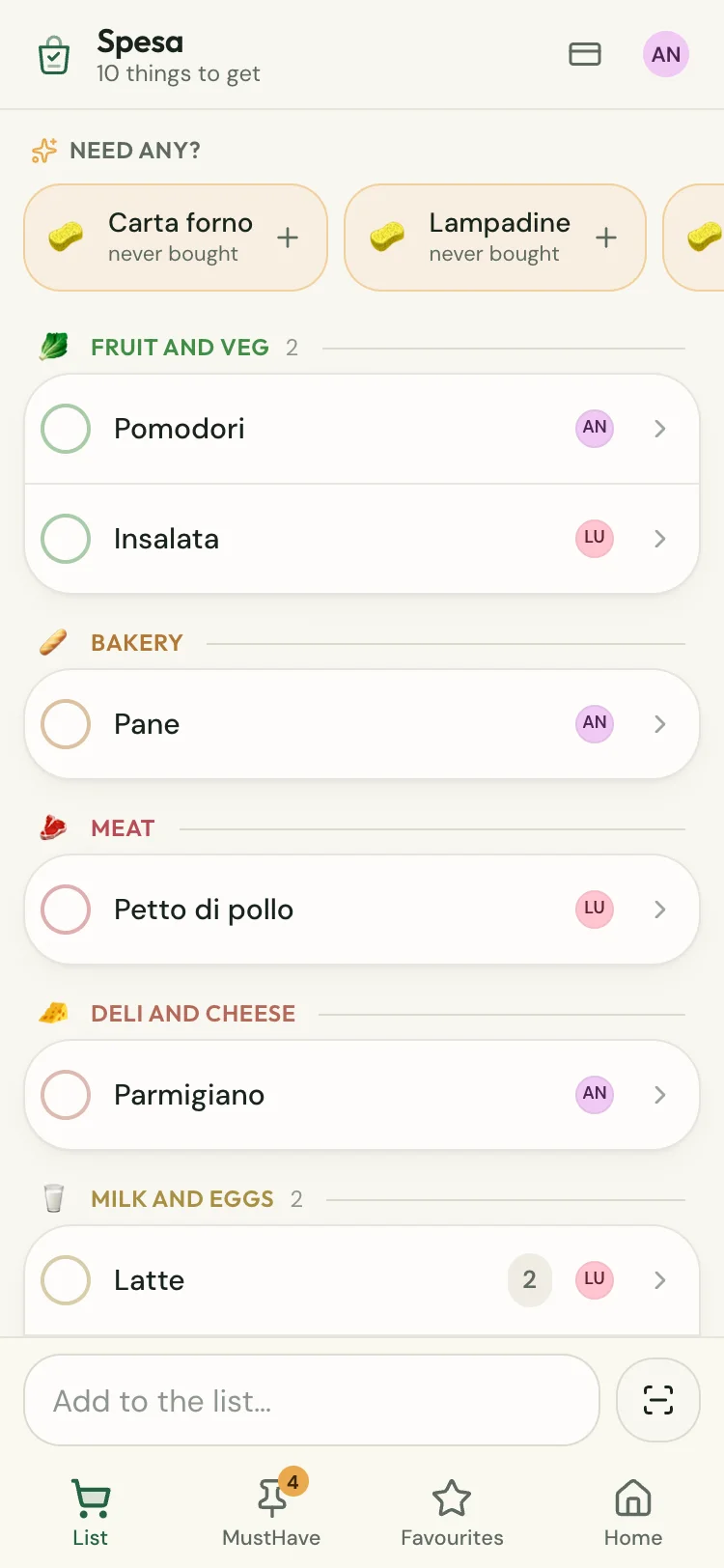
Add the milk from the sofa and whoever is at the supermarket finds it on their phone. You create a home and pass the code to the people you live with. Nobody asks for your email.
How to start
Create the home
Your household’s name, your name, done. It takes ten seconds and there is no email to confirm.
Share the code
You get a code like ABCD‑EFGH. Whoever has it opens their own phone and finds your very same list.
Do the shopping
From then on there is one list. If someone ticks off the bread, it disappears from your phone too.
You stop forgetting things
The app remembers what you always forget. You put the bags down and nobody asks «who was supposed to get the coffee?».
It files itself in the right aisle
Type «tomatoes» and it goes to fruit and veg. The list is ordered the way the aisles are, so you start at the produce and reach the tills without doubling back three times.
MustHaves
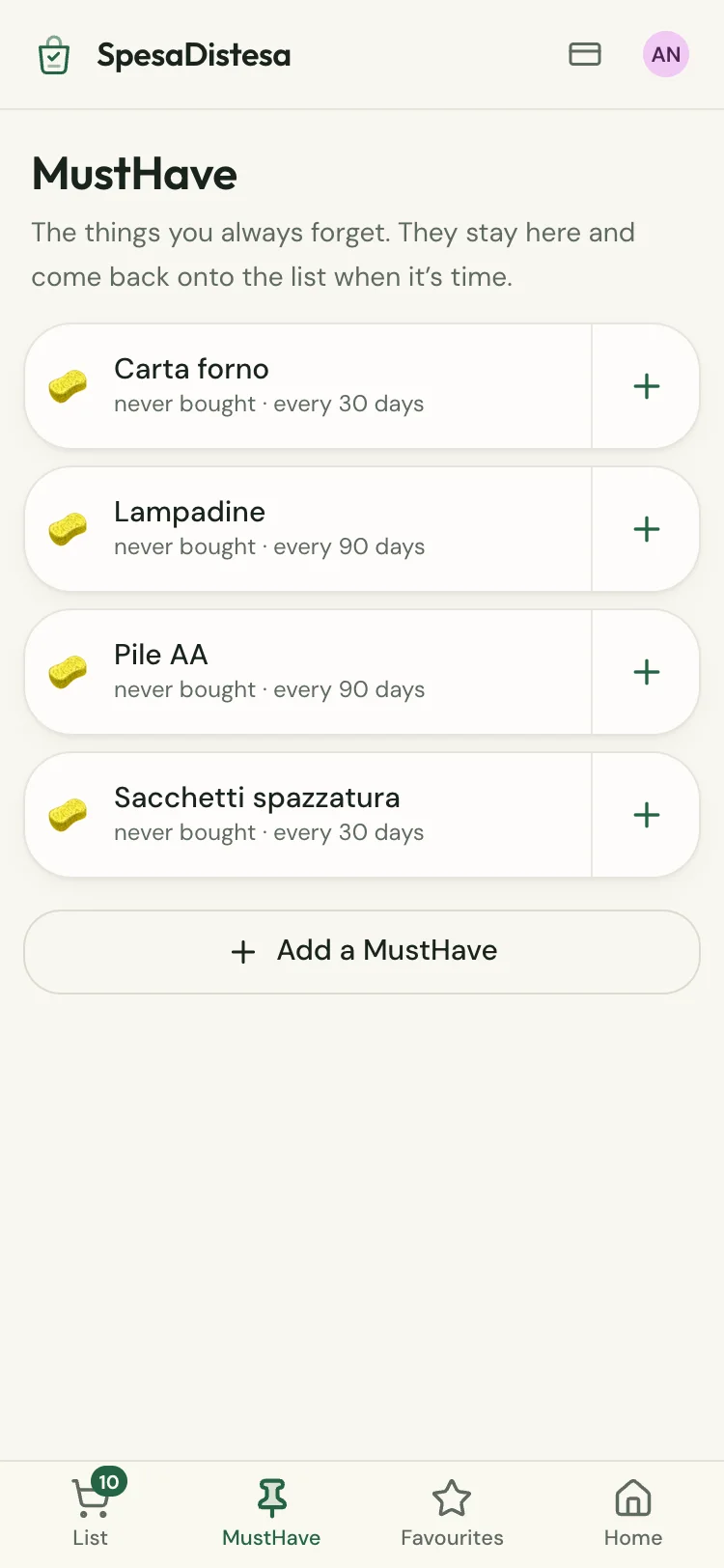
Bin bags, light bulbs, coffee for the moka pot. You add them once and say how often they run out: when the time comes they reappear at the top of the list.
It learns what you rebuy
After a few shops it knows you buy coffee every three weeks and passata together with pasta. It reminds you when you open the list.
Loyalty cards
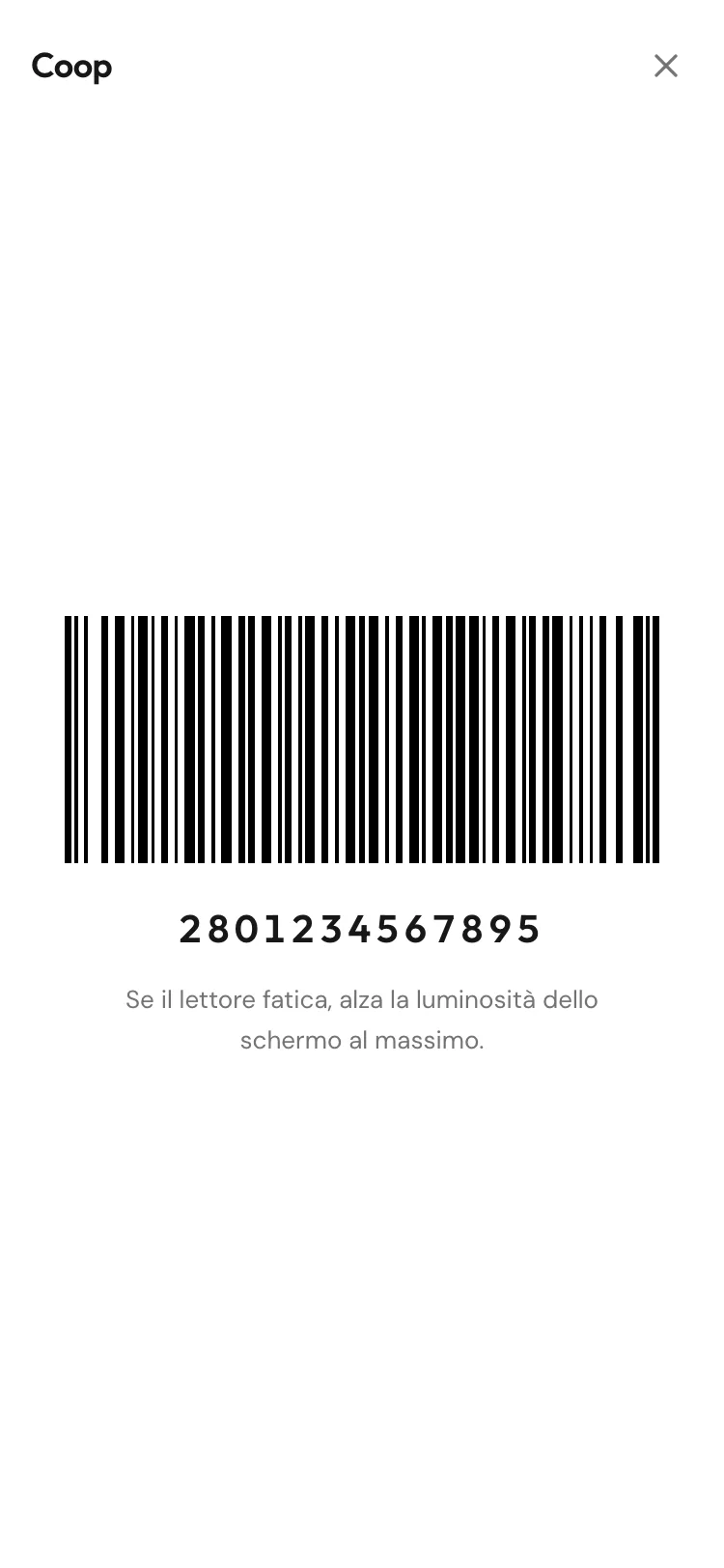
Scan the barcode once and it stays there. At the till it opens full screen on white, because that is how scanners read it first time.
The note on the fridge walks in
Your phone reads the handwritten list: Live Text on iPhone, Google Lens on Android. Copy, paste, and the quantities sort themselves out. The photo never reaches us.
You know when someone is at the shop
As soon as they start ticking things off, everyone else gets a notification. That is the moment to add the thing you had forgotten.
It works without signal
Basement aisles almost never have reception. The list stays exactly where it was and catches up on its own when you come back out.
Up to thirty people
A couple, a family with grown‑up children, four flatmates. The same list, each with their own colour next to what they added.
What it doesn’t do
Better said now.
- No recipes. If you are looking for what to cook tonight there are apps made for that, and they do it better.
- No supermarket offers. Which also means it has no reason to make you buy anything.
- No ads and no profiling: there is nobody to resell what you put on your list to.
- It never asks for your email, so it can’t write to you. If you change phone, all you need is the home code.
What it costs
Using it costs nothing. The only paid part is extra lists.
Open it and you’re in
It is not in any store: it is a website. If you then want it among your other apps, both iPhone and Android will put it on the Home screen in three taps.